How to Create a Beautiful Digital Card in Minutes Using Swift It
In a world where everything is getting faster, easier, and more digital, the way we celebrate and connect is changing too. Whether it’s a birthday, engagement, baby shower, wedding, farewell, or anything in between, Swift It helps you create stunning digital cards in minutes — complete with personalised messages, photos, videos, and fun effects. If you’ve ever wished card-making could be quick, beautiful, and totally stress-free, this guide is for you.
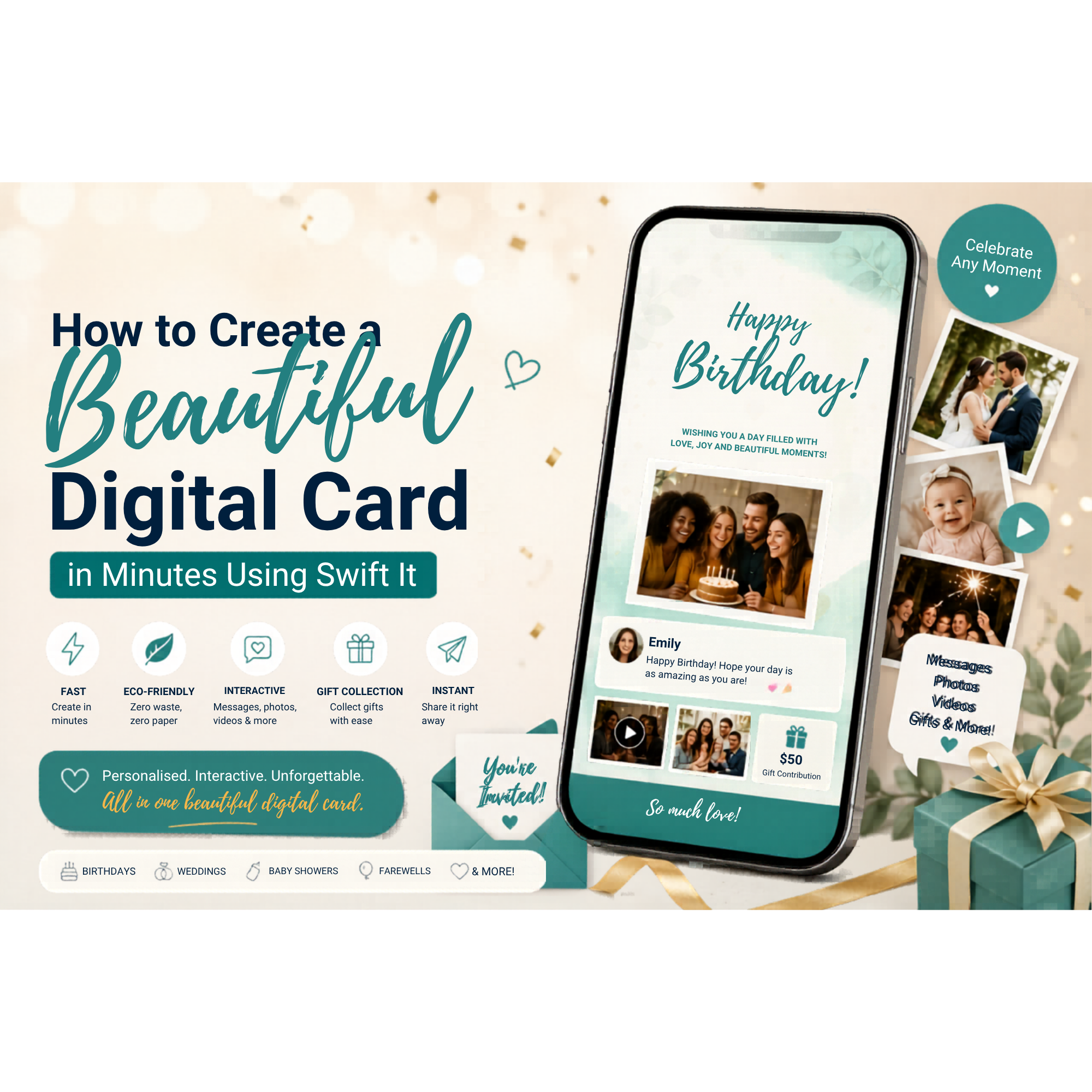
How to Create a Beautiful Digital Card in Minutes Using Swift It In a world where everything is getting faster, easier, and more digital, the way we celebrate and connect is changing too. Whether it’s a birthday, engagement, baby shower, wedding, farewell, or anything in between, Swift It helps you create stunning digital cards in minutes — complete with personalised messages, photos, videos, and fun effects.
If you’ve ever wished card-making could be quick, beautiful, and totally stress-free, this guide is for you.
Why Choose a Digital Card? Digital cards are becoming the go-to choice because they’re:
✨ Convenient — No printing, posting, or last-minute card hunts.
🌱 Eco-friendly — Zero waste, zero paper.
💬 Interactive — Add messages, photos, videos and even group contributions.
💸 Affordable — No postage or store mark-ups.
💨 Instant — Send it right away or schedule ahead.
Swift It takes all of that and makes it even easier.
Step 1: Choose Your Event and Card Design Start by selecting the occasion — birthday, wedding, engagement, baby shower, Christmas, or any special moment.Swift It offers modern, stylish card templates designed to feel premium and personal. You can browse:
Elegant wedding templates
Cute baby shower designs
Bold birthday styles
Corporate-friendly farewell cards
Minimalist, aesthetic layouts
Pick one that matches the tone of your event, and you’re ready to customise.
Step 2: Personalise With Your Style This is where your digital card comes to life.
With Swift It, you can:
📝 Add personalised text
📸 Upload photos
🎥 Insert short videos
🎉 Turn on effects like confetti, sparkles or balloons
🖋️ Adjust fonts and colours
Everything updates instantly, so you can design confidently without needing graphic-design skills.
Step 3: Add Optional Gift Collection If you’re creating a card for an event where guests might want to contribute — like weddings, birthdays, baby showers or farewells — you can enable Swift It’s built-in digital gift collection.
Guests simply tap a link, write their message, and add a contribution securely. No envelopes. No awkward “How much should I give?”. No chasing people.
It all goes into one organised dashboard for you or the host.
Step 4: Share Your Digital Card Once you’re happy with your design:
Copy the share link
Send it via text, email, WhatsApp, Messenger or anywhere else
Or post it to a group chat so everyone can join in
The recipient (or guests) can open it instantly on any device—no app needed.
Step 5: Enjoy the Reactions This is everyone’s favourite part.
The finished card will display:
💬 Messages
📸 Photos
🎥 Videos
🎁 Gift contributions (if enabled)
🎉 Animated effects
It’s a beautiful, interactive way to feel the love — and a keepsake that can be viewed anytime.
Why People Love Using Swift It
Swift It was designed to take the stress out of event gifting and digital celebrations. Users love it because it’s:
Fast — Create a full card in under 5 minutes
Flexible — Works for any event
Stylish — Modern designs that look professionally made
Organised — All gifts and messages in one place
Shareable — Easy for guests, even the non-techy ones
If you want a card that feels personal but takes almost no time to put together, Swift It is the perfect solution.
Ready to Create Your Own Digital Card? Whether it’s a milestone birthday, wedding, farewell, new baby or just a message from the heart, you can design something beautiful in minutes — no hassle, no printing, no stress.
✨ Create your digital card with Swift It today and make someone’s moment unforgettable.